Setting up the Help Scout integration
How to set up the Help Scout integration in Planhat
Summary:
The Help Scout integration syncs your conversations to Planhat.
Follow this guide below and you will be able to see your latest Help scout conversations in a separate tab and right by the company and end-user profile.
Planhat and Help Scout share information by using the users email address as their unique identifiers.
Who is this article for?
All Planhat users
It's particularly relevant to those setting up the Help Scout integration
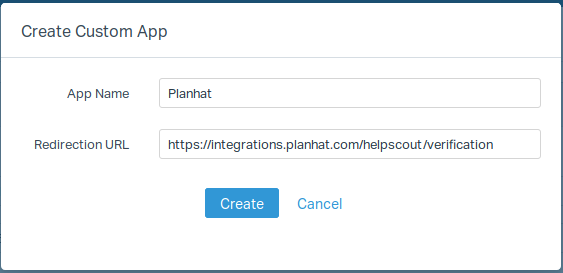
1. Create an app in Help Scout
This app allows to Planhat obtain the information of the conversations
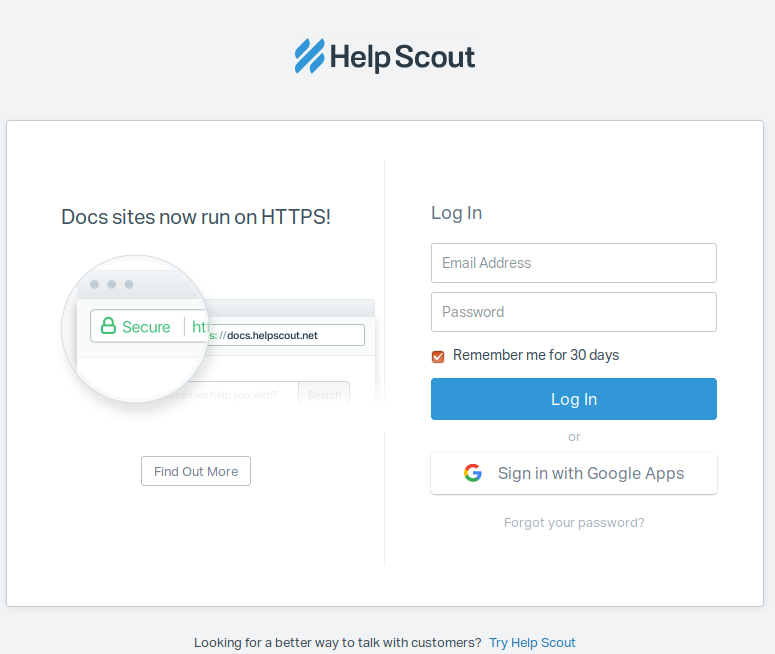
2. Connect With Help Scout
Help Scout must to authorize the access through the app.
3. Fetch All
Once the params of the app were saved, click on "Fetch all history" button for to fetch and save all conversations updated/created on Help Scout in the last 6 months. This process can take several minutes. The conversations will appear on the page Activities -> History on Planhat.
4. Considerations
Help Scout integration uses the domain of end-user email for to guess the company related with the conversation. If the domain does not belong to any company on Planhat, the conversations will not save.
In case the Help Scout account you used for to enable the integration is removed or disabled, you can change the account using the button "Reconnect with Help Scout again?".
[Tag for search purposes: Helpscout]