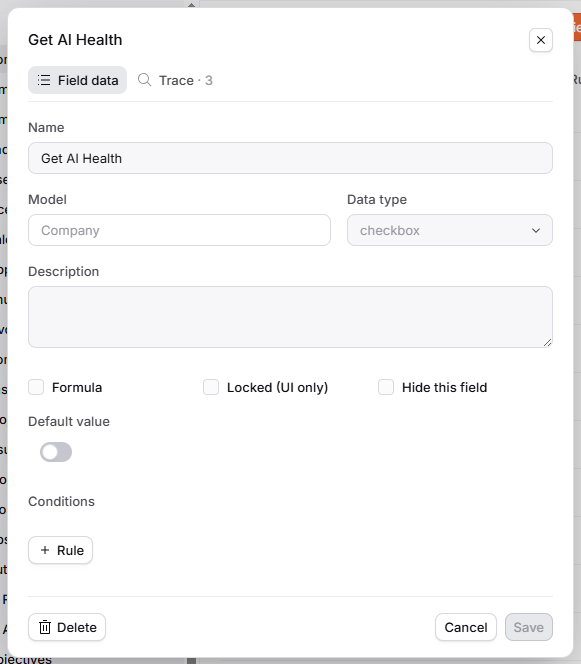
Field Trace
See where your fields are being used
As your data platform grows, it’s almost inevitable that you'll want to better understand, modify or delete a field currently in use.
Since acting on a seemingly redundant field might create a waterfall of complications for all connected automations, calculated metrics, formula fields, filters (and so on...), it's crucial for a user to see how fields are connected to everything else in Planhat.
In 1 click, Field Trace shows you where a given field is currently in use, so you can clearly identify which dependencies and owners would be affected by changes and make changes safely.
Check out the walkthrough below: