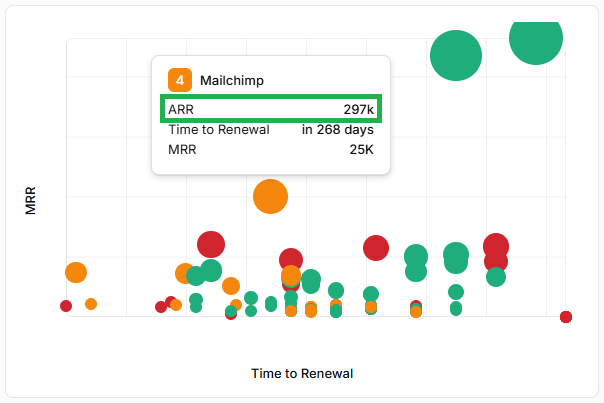
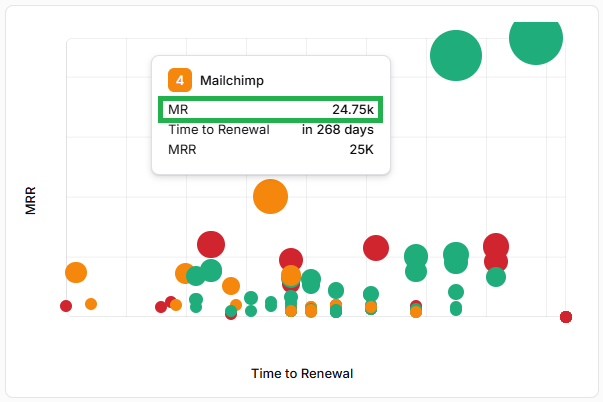
Is there a way to change the revenue metrics shown in the Bubble Chart when you mouse over a Company bubble?
How to change the metrics you see when you hover over a Company on the Bubble Chart in Planhat
If you'd like to change the settings for the data you can see when hovering over a Company bubble in the Bubble Chart, you're able to do so in the "Settings" Global Tool.
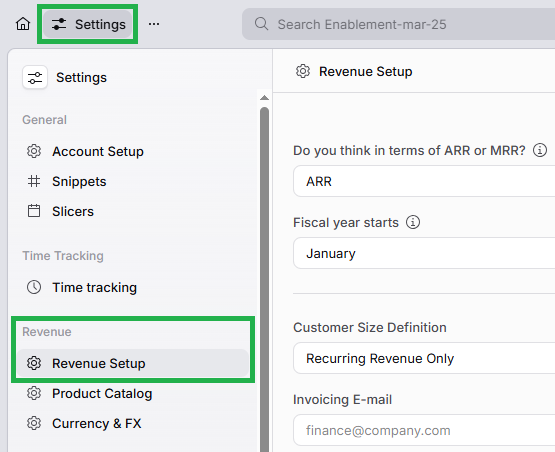
Refresh the page and you will see the revenue settings you've chosen reflected when you hover over a Company bubble in the Bubble Chart.