Setting Up the Amplitude Integration
Send user activities directly from Amplitude to Planhat
Planhat is an Amplitude Event Streaming Destination. This means you can send a continuous, real-time stream of Amplitude events to Planhat as user activities on the End User, Asset or Project models with minimal setup.
This guide walks through the key requirements of the connection with Amplitude, and how to configure it.
Contents
How the Connection Works
Remember!
You will need to perform the following steps separately for each Amplitude project you want to push data into Planhat
Amplitude sends all user, event, and group properties along with the event
The maximum size of event data is 1 MB
Matching IDs
The Amplitude user_id matches to the End User externalId within Planhat for associated events. If an End User with that externalId doesn't exist within Planhat, an End User with that externalId can be created
Please ensure that your Planhat End User, Company and/or Asset/Project externalIds match the corresponding IDs in Amplitude. In particular, to avoid End User duplication, ensure that the Amplitude user_id/email field matches the related Planhat End User externalId/email field
Start Pushing Events
Preparing Planhat
Get Tenant Token
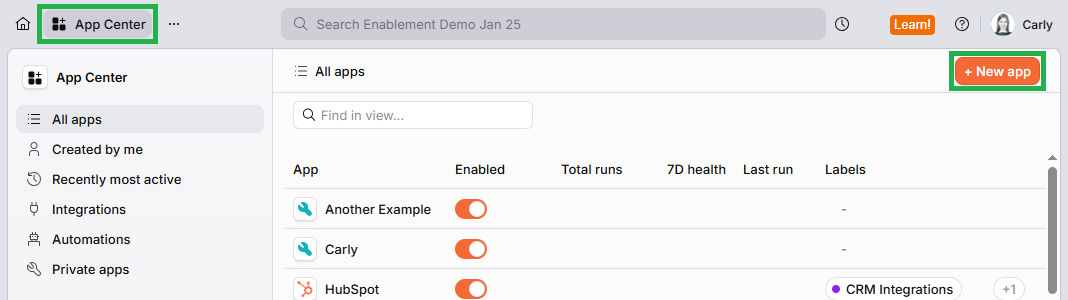
To connect Amplitude to Planhat, you'll need to obtain your tenant token. To do so:
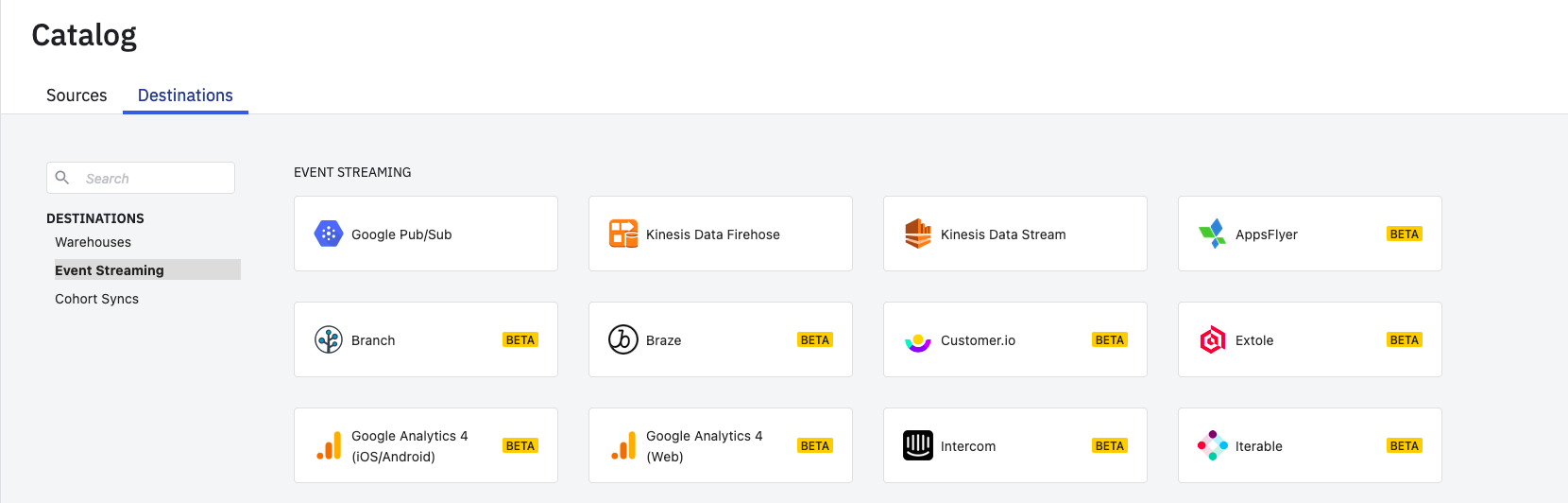
Preparing Amplitude
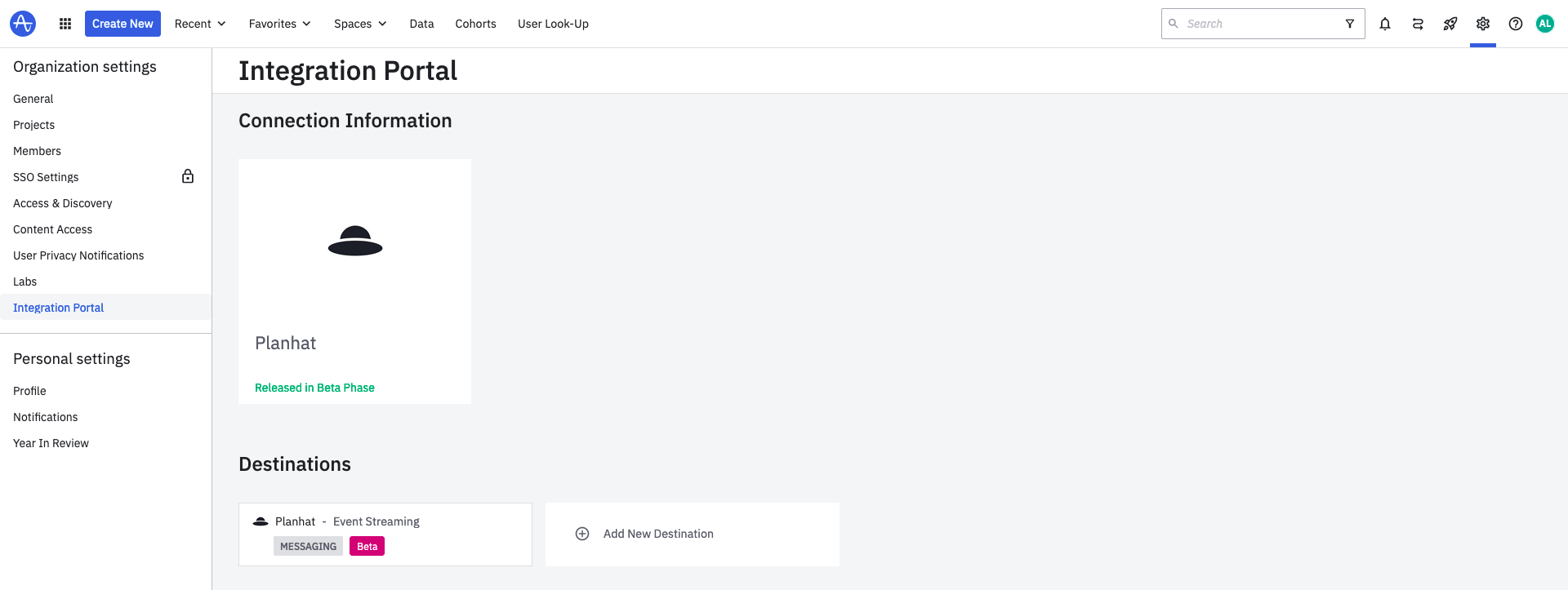
And just like that, your Amplitude Event Stream is up and running! From now on, all the events you specified in your filter on the connection's Settings tab will now be streamed in real time as user activities to Planhat.
To confirm your Event Stream is up and running, you can head into the Connection at any time, and see what's been pushed from the Delivery tab.
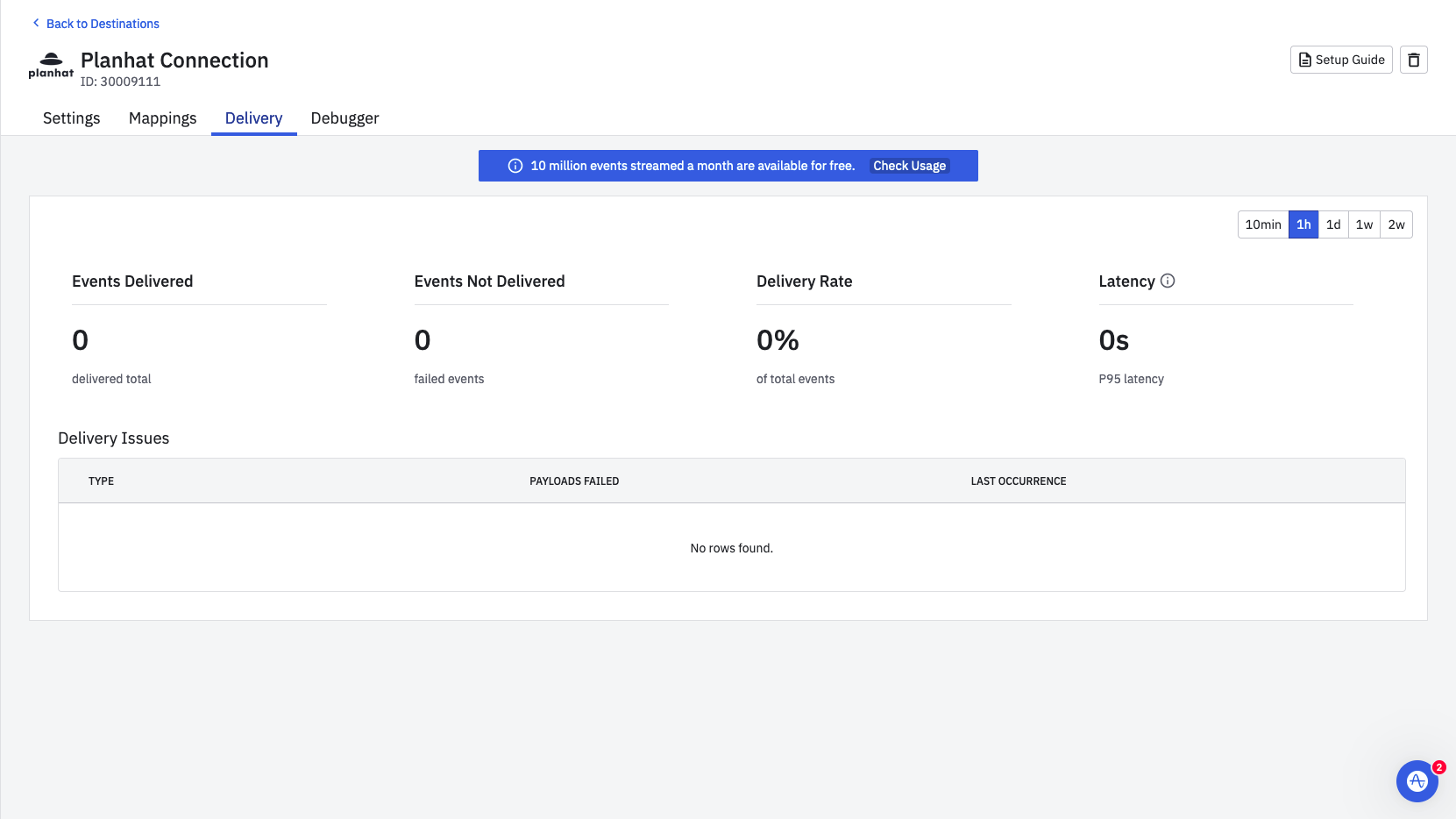
If events delivered from Amplitude don't match what you've received in Planhat, reach out to Planhat Support.
📌 Note: remember, just because the event status is Success in Amplitude, doesn't mean that the payload was correctly specified and received successfully by Planhat. That's because Planhat's Analytics Endpoint behaves like a "data sink", issuing 200 (OK) Response Codes regardless of whether data was received successfully.