Segment Data Warehouse Integration
Use our Segment Integration to gain data driven insights.
The Segment integration enables you to push data from Planhat into Segment and from there push into your own data warehouse such as Redshift, BigQuery or similar.
This integration allows you to blend your customer data with additional data sets that exist outside of Planhat and gain data-driven insights for your business.
Follow the instructions below to get started! 😃
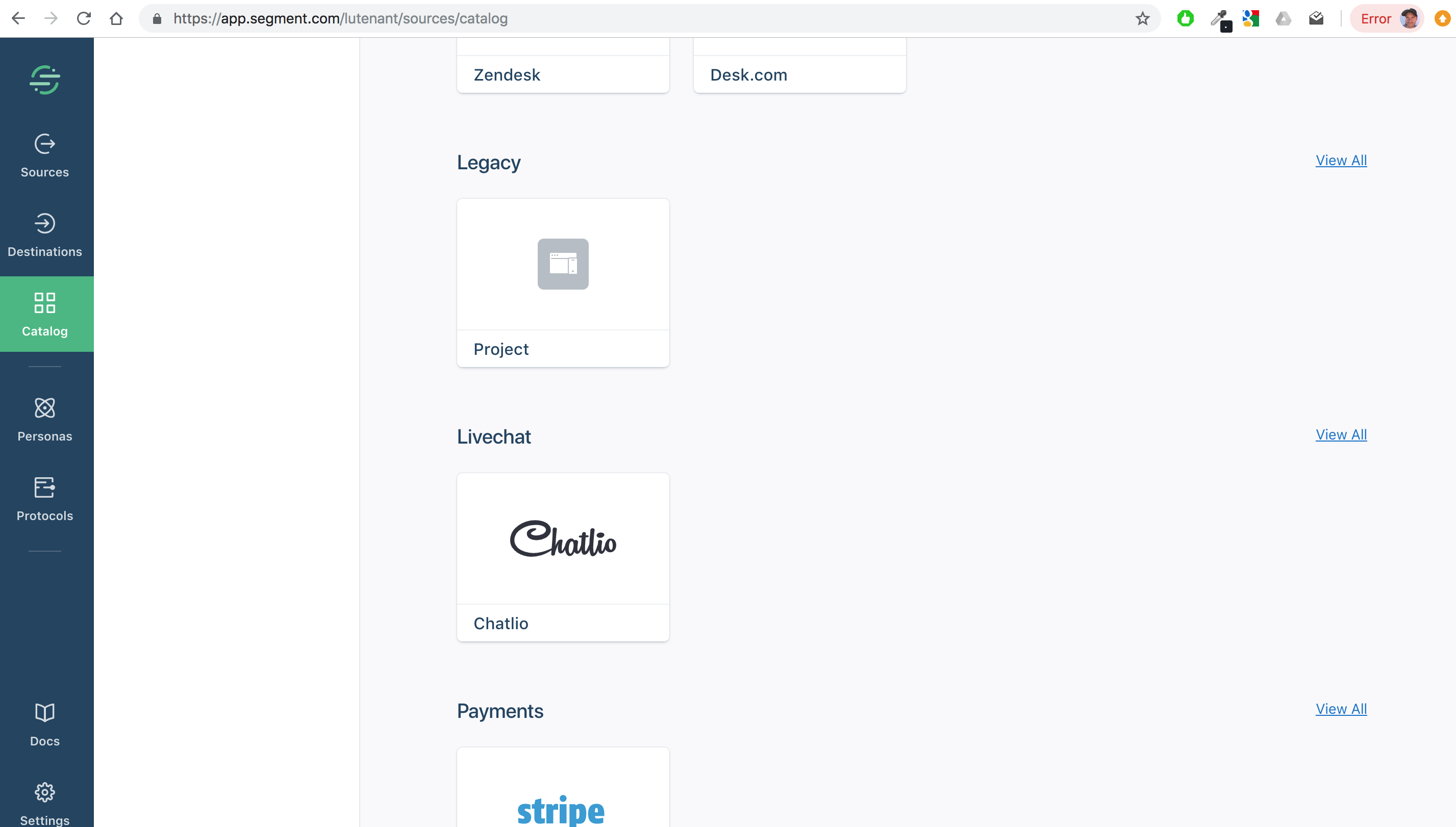
1. In Segment, create a new "Legacy Project" to get a write key
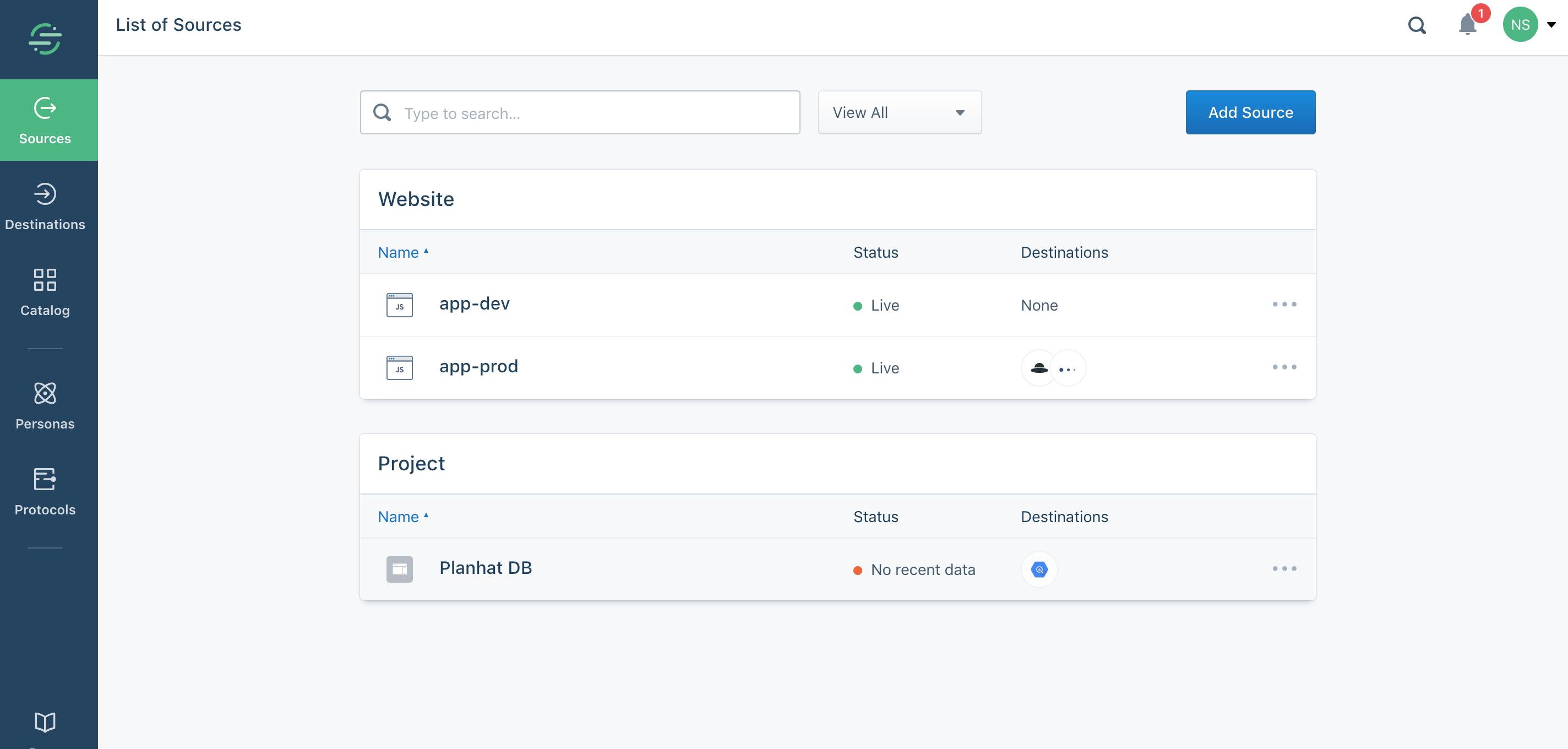
2. This project will appear under "Sources". Click on the project to see the "Segment Write Key" needed for Planhat as well as the option to "Add Destination"
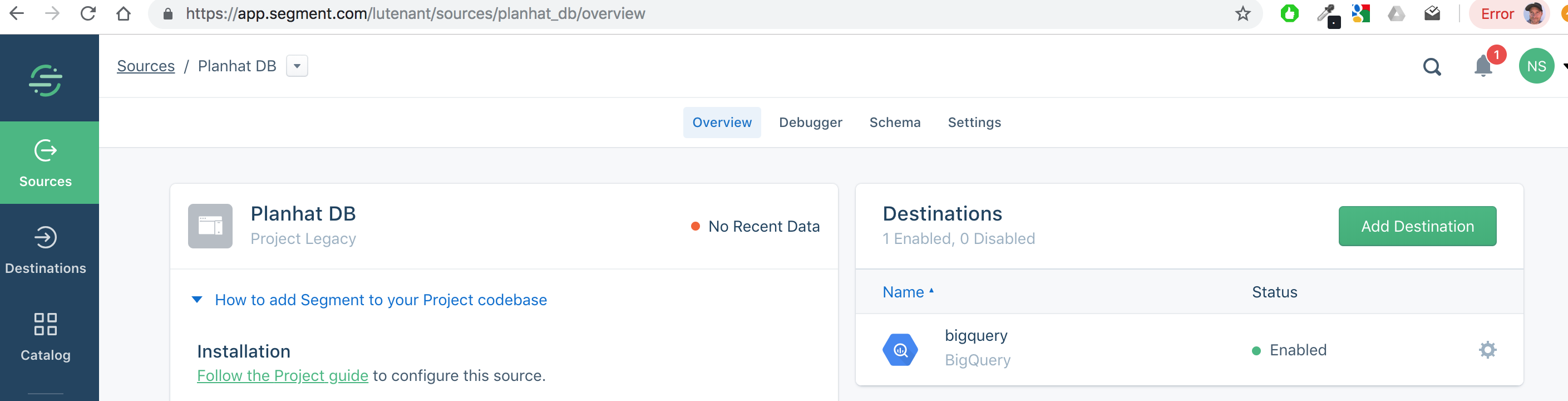
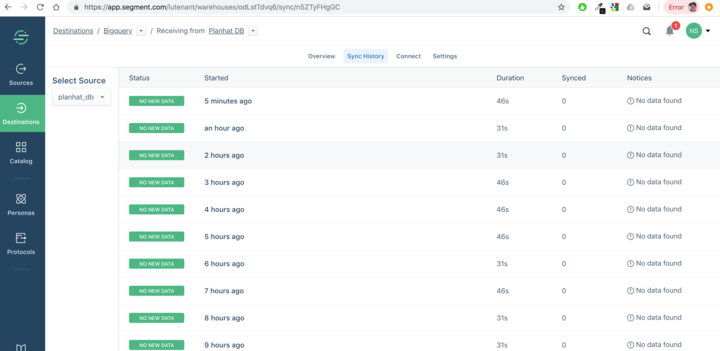
3. Click on the "cog" icon next to the destination. You'll get to a list of recent "syncs" where it's possible to see if data is being synced.
4. In Planhat:
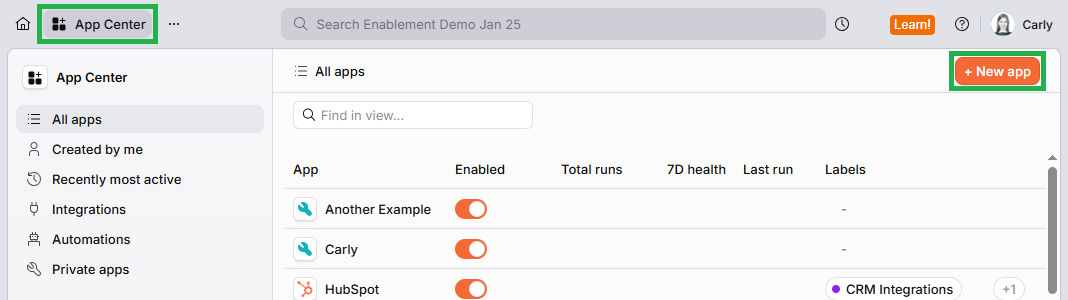
Navigate to the App Center
Click on "+ New app" in the top right
Click the image to view it enlarged
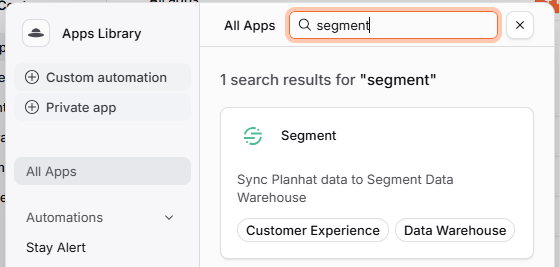
Once at least one push has been completed, below the Segment "Write Key" field some stats will show how many records of different types were pushed to Segment.
The Segment integration icon in Planhat will only display as being "On" when you're using the "Segment Data Warehouse" not just the "Segment User Tracking".
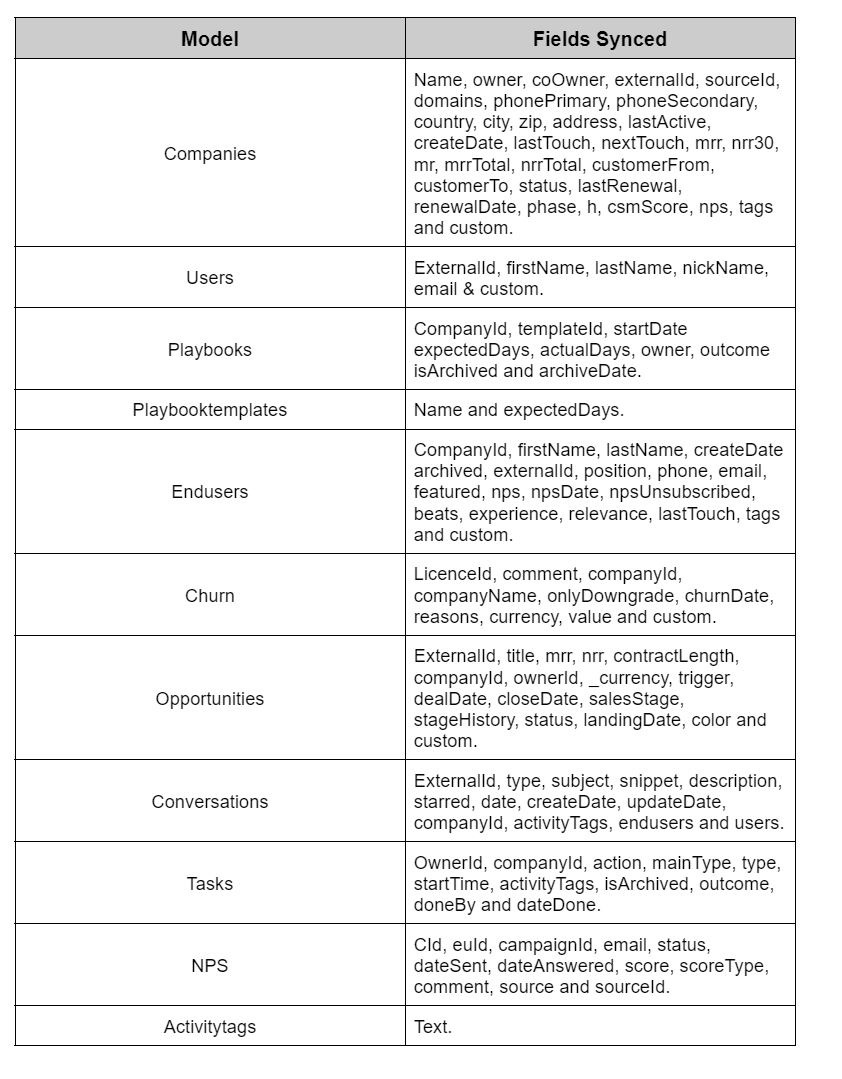
Models and Fields Synced
The table below displays a list of models & fields that can be synced from Planhat to Segment and further on to Amazon Redshift, Google BigQuery etc.