February 2018
Updates to Planhat in February 2018
We have done a lot updates to Planhat this month. Some of the biggest updates have been the ability to drag & drop plays in your playbook template, plays with subtasks, new roles & permissions and more!
Check out the rest, and learn about the basics of how they all work below.
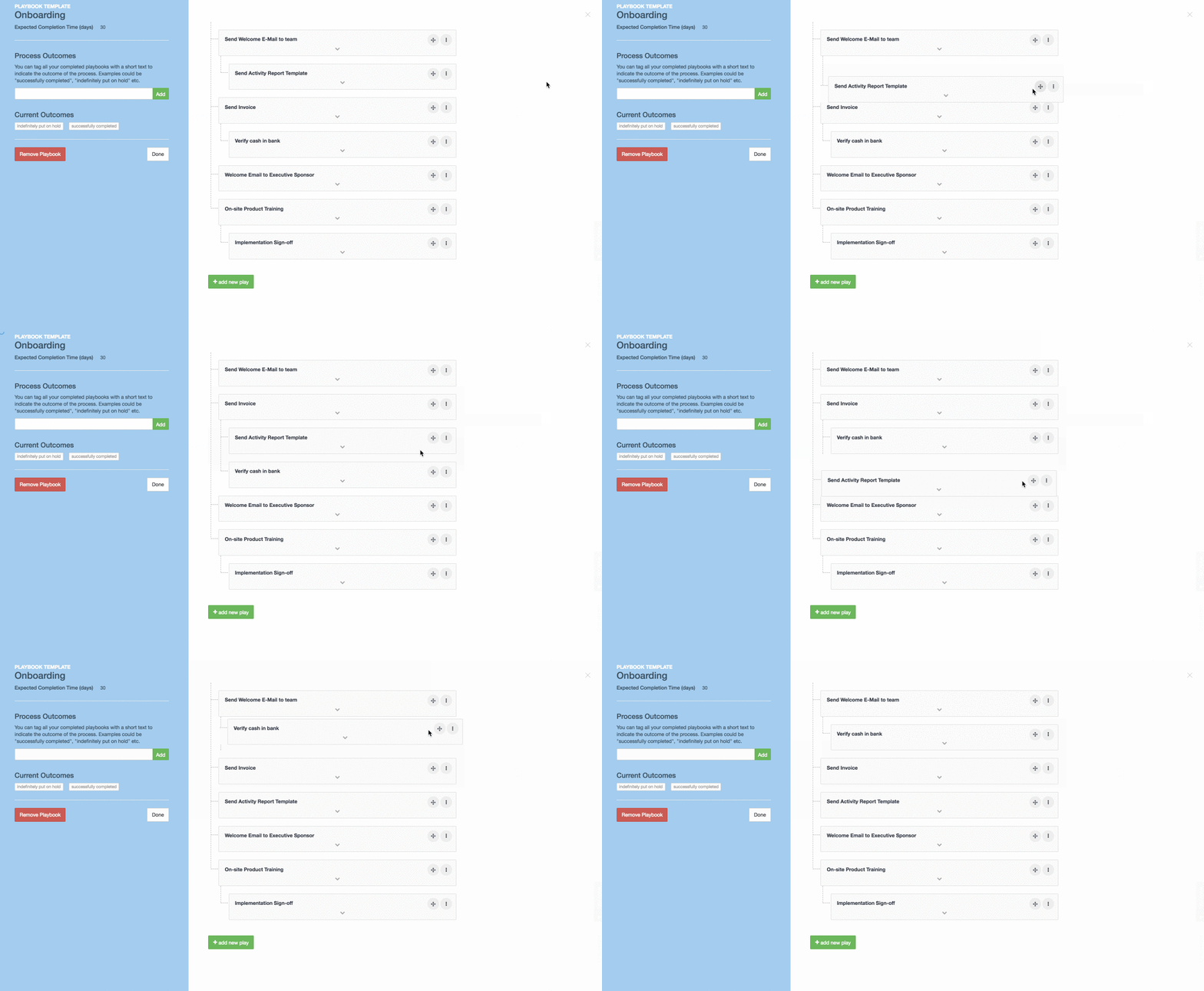
Drag & Drop Plays in Playbooks
You're now able to drag and drop the plays in your playbook templates.
Tasks can have subtasks!
You can now create subtasks in your planned activities! This allows you to make one task a list of to-dos that need to be completed.
This feature is great if you have certain tasks that do not necessarily require a full playbook, but includes several mini-tasks, and/or if these mini-workflows aren’t necessarily repeatable for all customers.
For more info, visit this page.
Roles & Permissions
The Roles feature in Planhat allows your team members to have a more tailored view of the application so that their view view is exactly what they need.
This is a great feature for large teams with very specific roles in the Customer Success organization, or for companies that have multiple different teams working with Planhat data.
For more info you can go here.
*Note: the customization of roles is available to Enterprise plan customers
Add Custom Fields to Your End-Users & Team Members
Custom data fields that have been available on company profiles and licenses, are now available for your team member profiles as well as your end user profiles.
You can check out how they work here.
New things in the Portfolio module
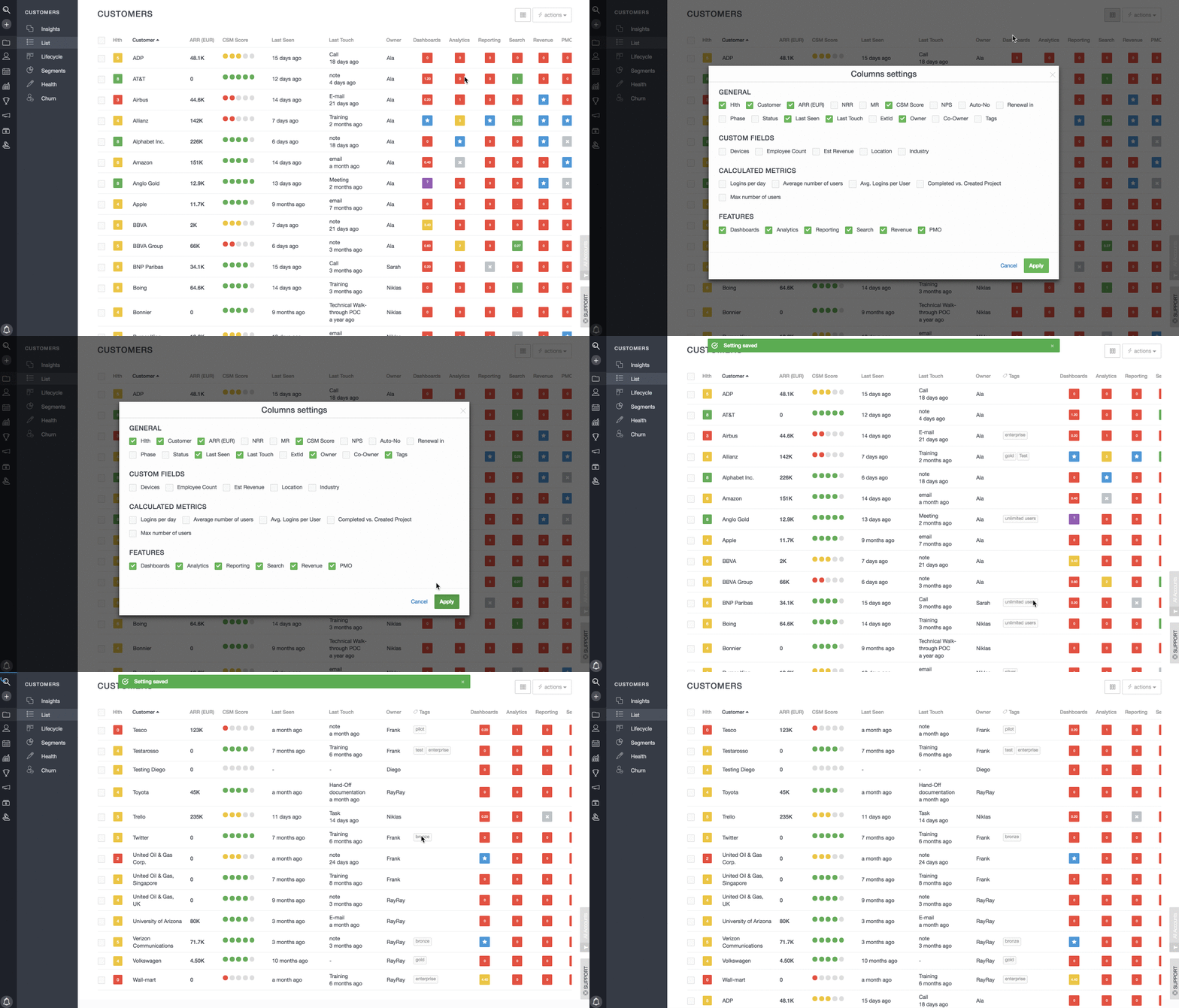
There are 3 updates to what you can do and view in the List view of your portfolio...
You can add a column in your view to see what tags are associated with the company
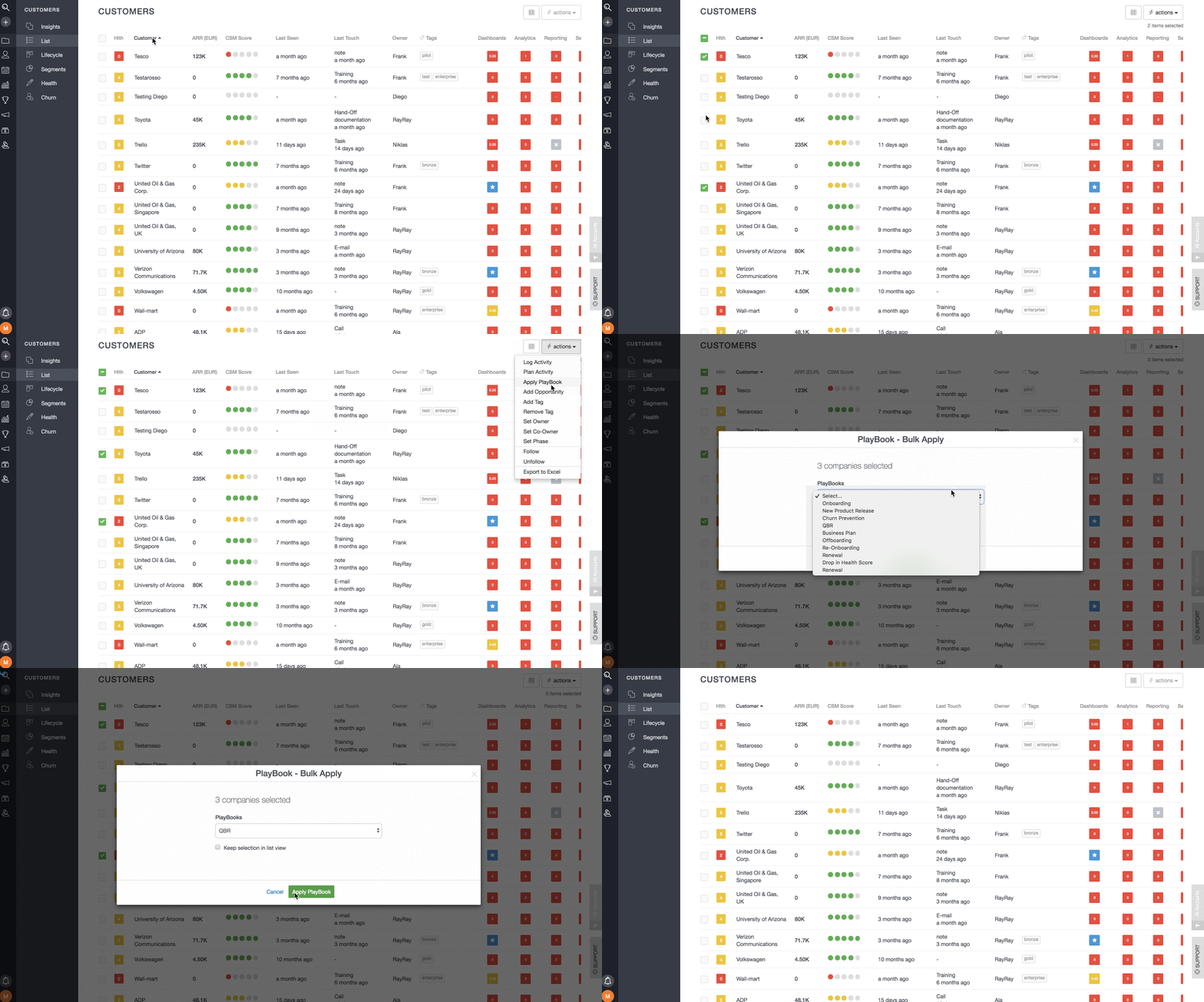
2. You can now perform the bulk action of "adding a playbook" from the list view
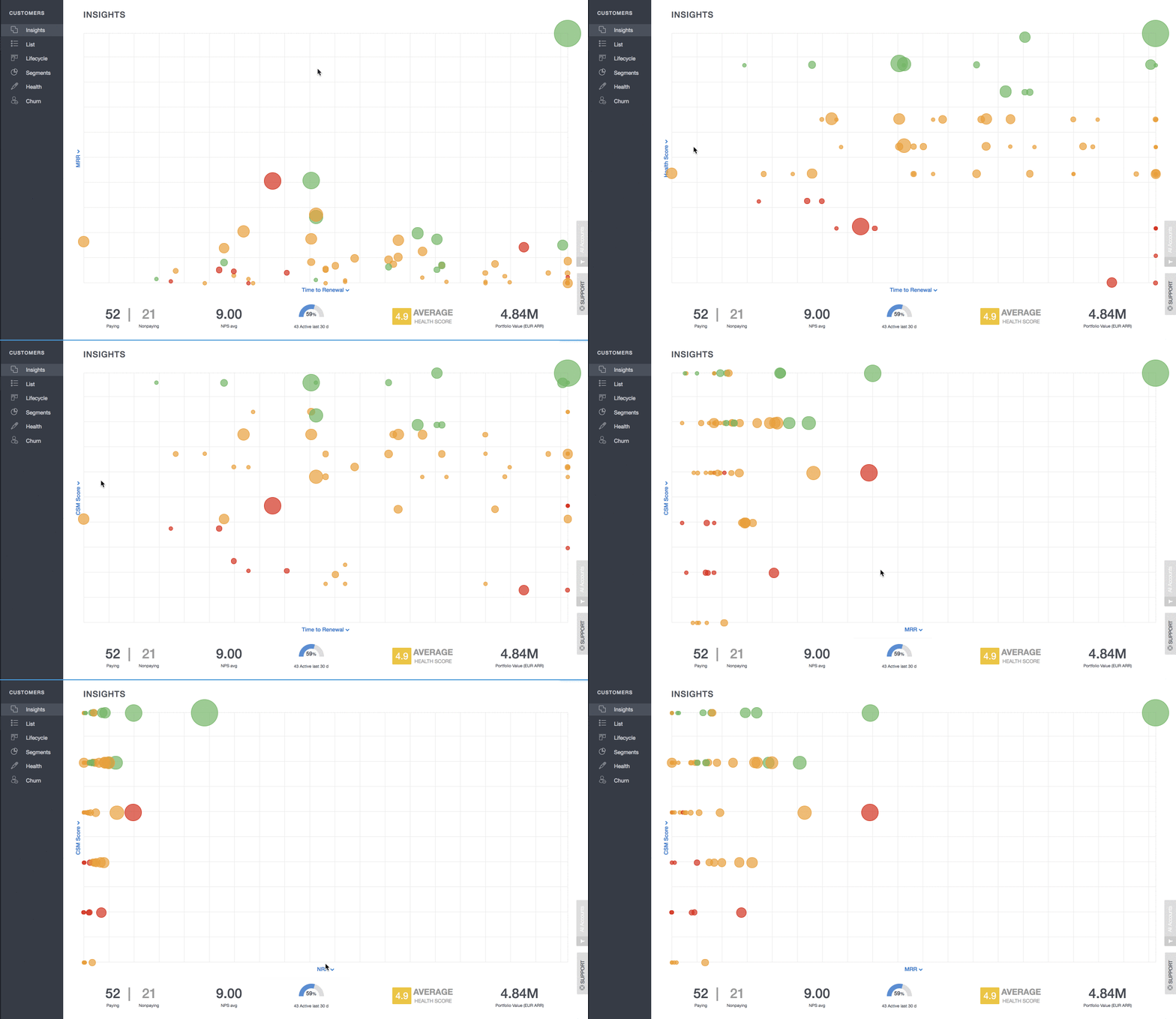
3. You can view the Health, MRR and the CSM score in the Insights Chart axis
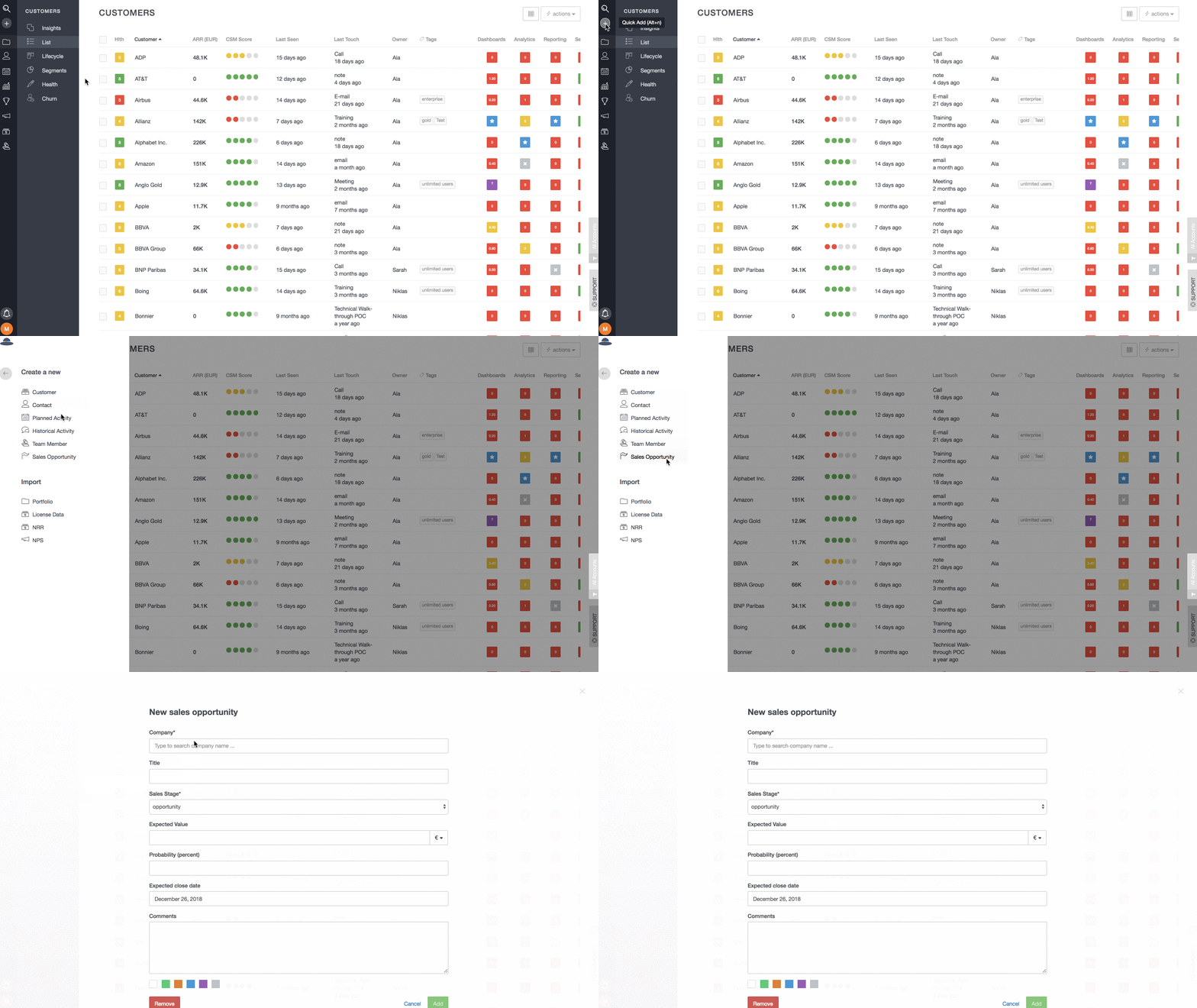
Add Company to Sales Pipeline from the Quick add menu
You can now quickly add a company to your sales pipeline from the quick add menu.