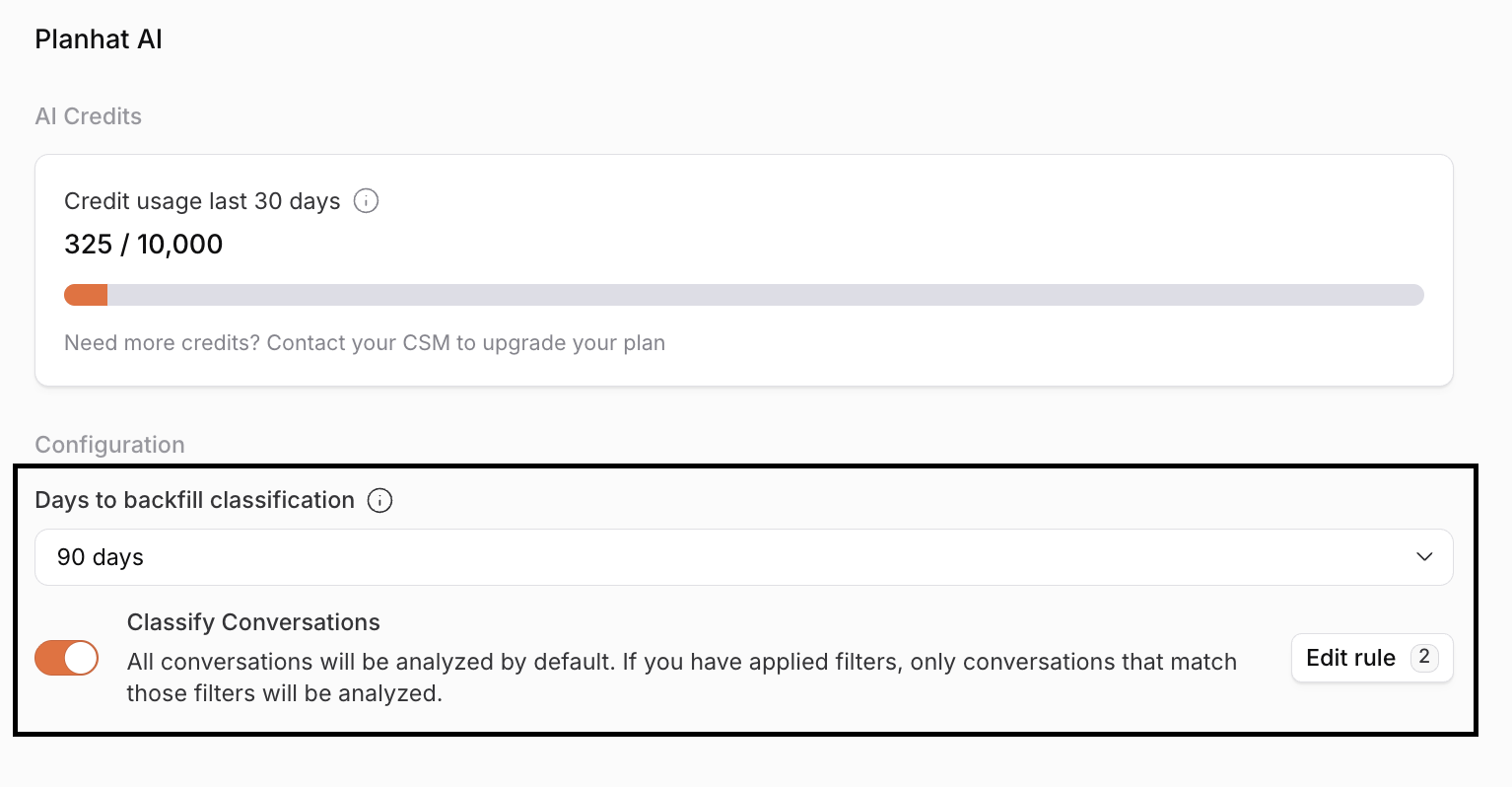
Planhat AI: Credits and Permissions
This article describes AI credits and permissions relating to AI features
Summary
Planhat has a range of different AI features: AI steps in Automations using Planhat's LLMs, Conversation Summaries, and processing of Conversation Sentiment and Categorization
Usage of AI features in Planhat with Planhat-managed LLMs consume AI credits
The amount of AI credits that are consumed depend on the size of the task and the pricing of the LLM (e.g. Claude 3 Opus consumes more credits than Gemini Flash)
AI credits are shared within a customer organization and tracked on a rolling 30-day basis
All plans include AI credits to get you started building out your AI features in Planhat
Different AI features are covered by different permissions
Who is this article for?
Users who use AI features in Planhat, and want to understand AI credits
Planhat Admins who need to enable features for their team members
Series
Planhat AI: Credits and Permissions ⬅️ You are here
Article contents
Introduction
Planhat empowers your team to turn customer data into action, and with built-in AI capabilities, you can automate repetitive tasks, surface insights faster, and create tailored content at scale. By combining your structured Planhat data with the capabilities of Large Language Models (LLMs), you unlock more intelligent, efficient, and scalable customer engagement.
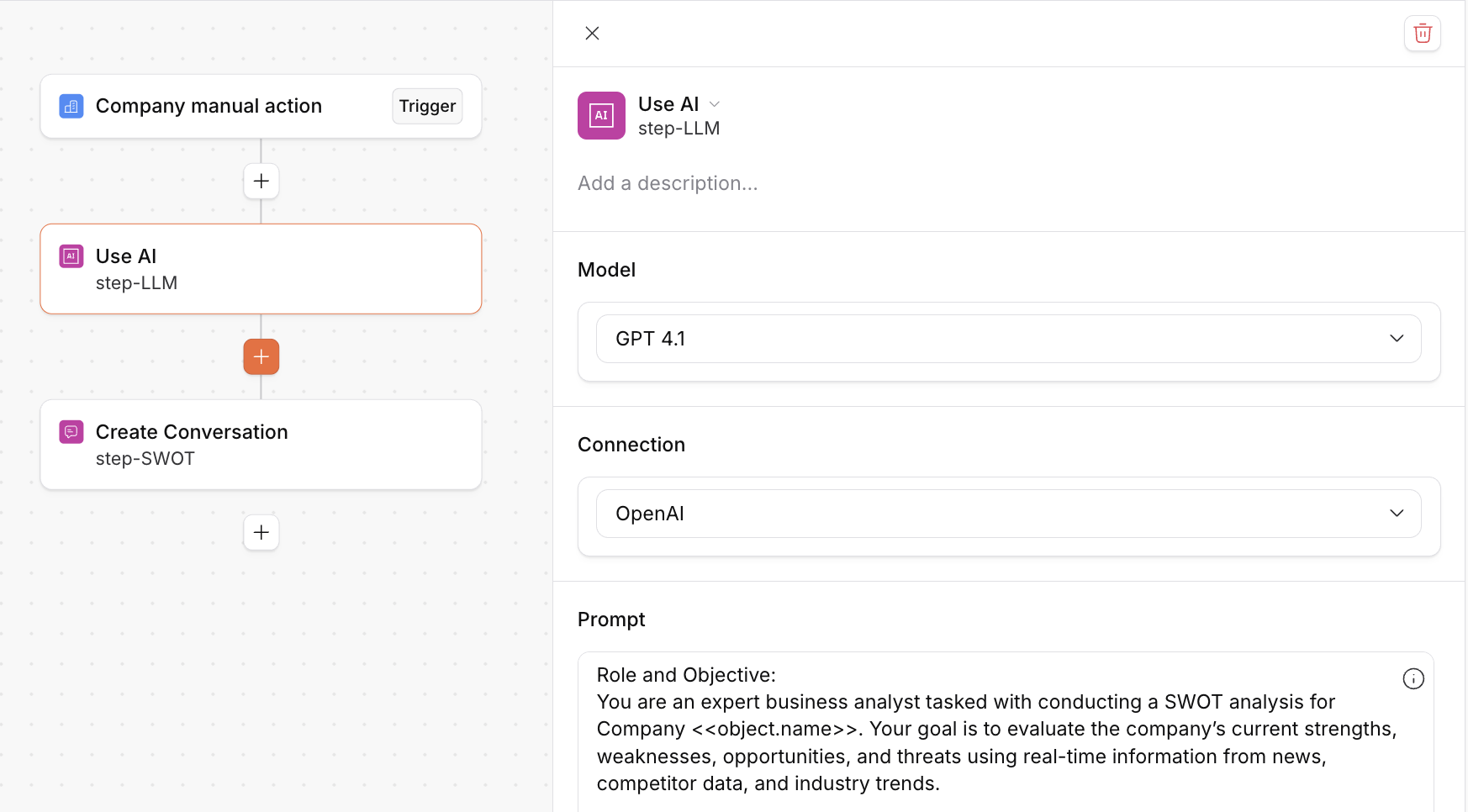
All features using Planhat AI consume AI credits, and every customer instance receives 10,000 AI credits on a rolling 30-day basis that can be used to access these features, shared across users. All customers and users who have access to build automations will get access to the AI step and Planhat's managed LLMs, as well as the option to connect your own LLM.
📌 Important to note
If you connect to your own LLM, by setting up connections to AI integrations, and use these models in your Automations, no Planhat AI credits will be charged.
What are AI credits?
An AI credit is a unit that measures usage of Planhat's AI-powered features. Each time you summarize a conversation, run an AI step in an Automation, or conversations are classified, credits are used.
The number of AI credits that are used for each action depends on:
The size of the request, e.g. summarizing an email thread with 20 emails consumes more credits than translating one sentence from English to French
And for "Use AI" steps in Automations:
What model is used, e.g. Claude 3 Opus consumes more credits than Gemini Flash. Read about which models are tailored for different use cases here: Anthropic models, OpenAI models and Google Cloud models
Example
With 100 AI credits you can summarise ~25 accounts
With 1,000 AI credits you can analyze sentiment and classify ~7,000 email
Usage and limits
AI credit usage can be tracked in the "Settings" Global Tool, in the Account Setup part. The usage will reset on a 30-day rolling basis.
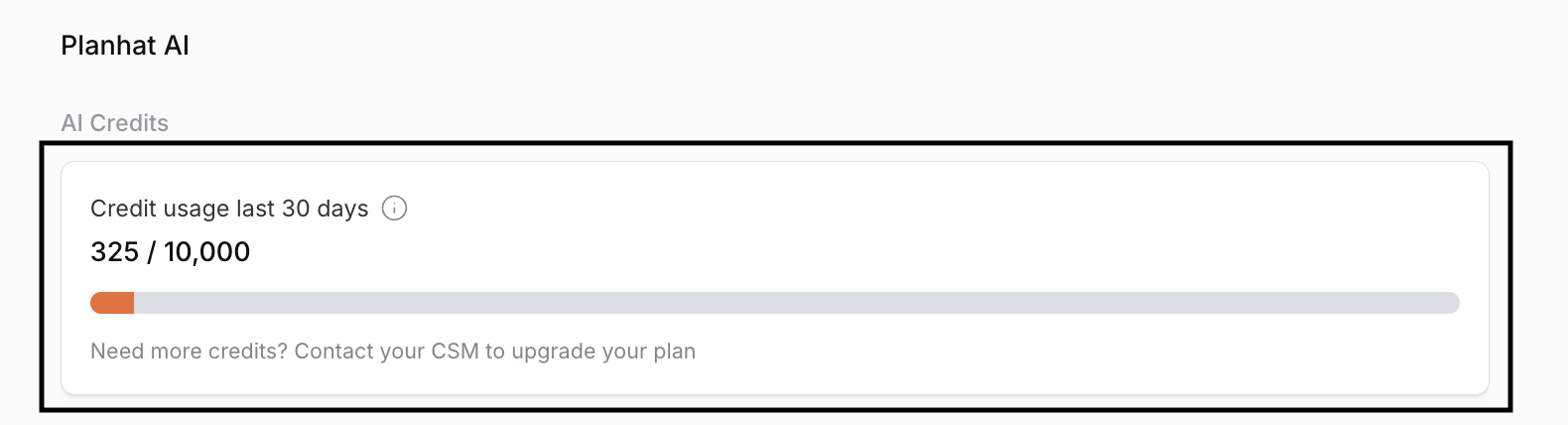
When you've reached your limit, the AI features can no longer be used. You will be notified through an in-app banner in the App Center. If you would like to add more credits, we tell you how next!
How do I purchase more AI credits?
To purchase more AI credits, and to get additional features, contact your Planhat CSM. When choosing to upgrade for more AI credits, additional features are included as well, such as:
Ability to add custom classifications for conversations (coming soon)
More LLMs models available in AI steps
Prompt audit logs
Provisioned computing: response and request time is instant
Settings and permissions
To use Planhat's AI features, Planhat AI must be activated (the Planhat AI Terms of Service accepted) in Settings / AI. Once this is activated, Planhat's LLMs will be available as connections in the "Use AI" step type in Custom Automations.
You (as a Planhat Admin) can control AI credit usage by enabling permissions for different features.
To start using the features below, turn on the following permissions in the "Settings" Global Tool: