Success Units
Planhat allows you to track the adoption of each of the features, modules, and products you offer
Article contents:
Introduction
Everyone knows that product adoption is key to customer retention. So, how do you monitor how well your customers are adopting your product, and where/how you need to take action?
To build a customer success division that is proactive and data-driven, you need to understand two things:
Which features (or modules or products) are your most value-creating and sticky?
How well these features (or modules) are being adopted by your customers?
You should know the answer to the first question. If you don’t, you should sit down with your (product) management team to figure it out. Use data, ask your customers, and let the vision of your product guide you.
This will also help you decide which usage metrics and activity data should be used to define each feature group. So this will be the first step before getting them set up in Planhat.
With Planhat's Success Units, you are able to use data to see which customers may not be adopting your product very well and then take meaningful action from there.
Success Units can be based on usage (with calculated metrics and are updated automatically) or you can score them manually on a scale of 1-5. This gives you more flexibility and allows you to weigh in as the CSM.
How to Set Up Success Units in Planhat
You manage "Success Units" in the same place as other Company fields within upgraded Planhat.
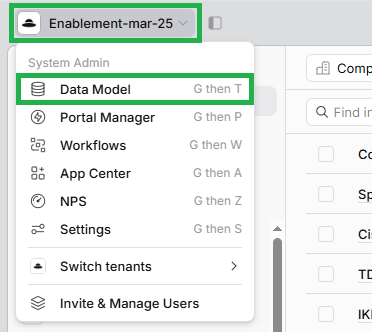
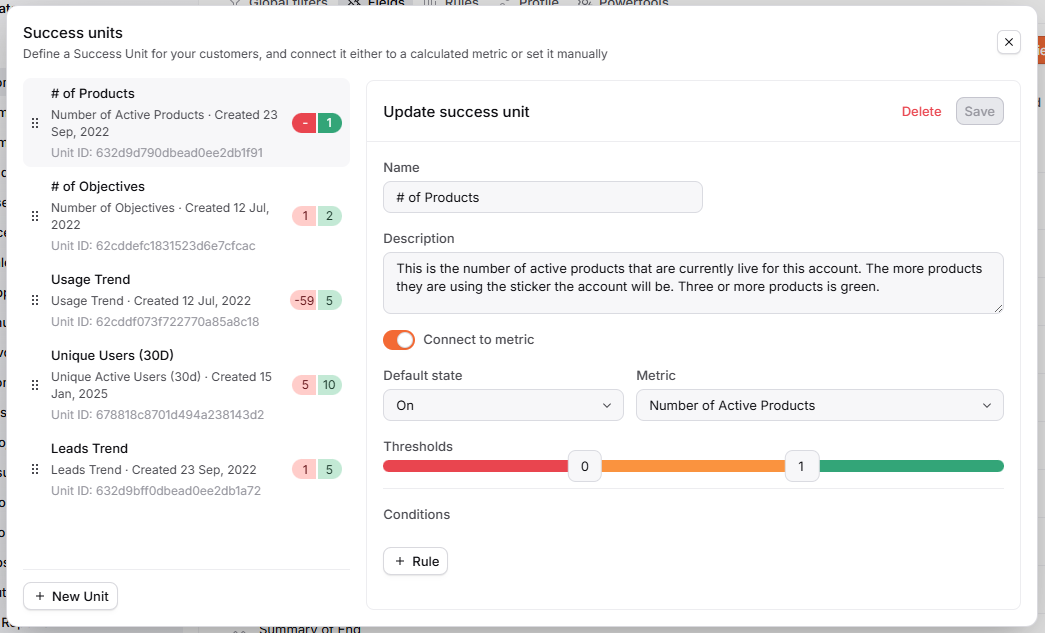
Clicking into "Success Units" here will open up a modal like this, where you can create and edit your Success Units.
Click the image to view it enlarged
You can click on any existing Success Unit in the list on the left to open up its details on the right to view/edit.
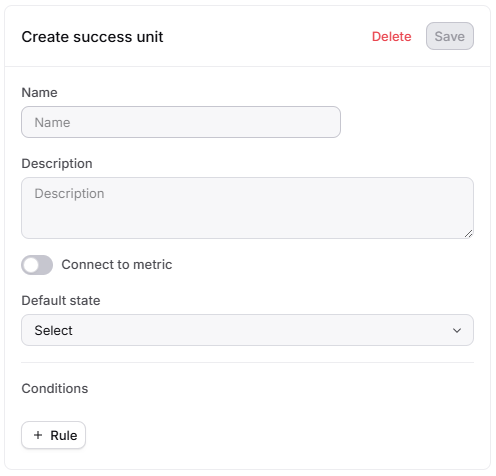
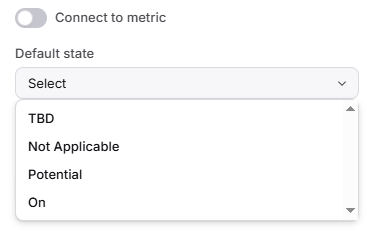
If you'd like to add a new Success Unit, click "+ New Unit" in the bottom left (shown above), and fill in the form (shown below).
Viewing Your Success Units in Planhat
On Company Full-Page Profiles at the top of the "Overview" tab
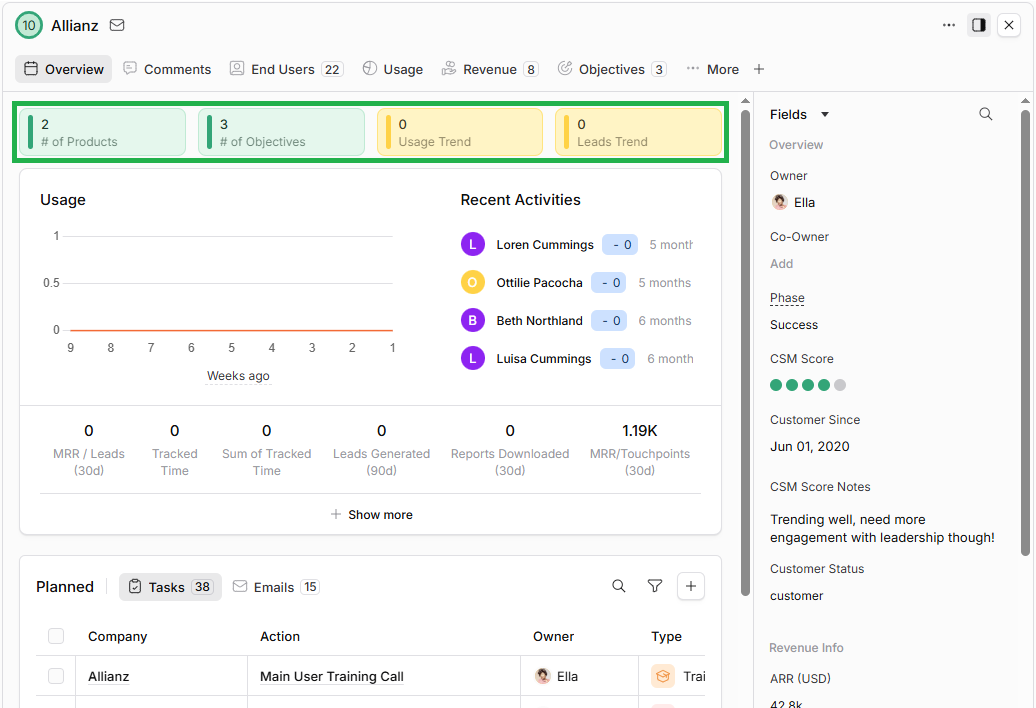
Click the image to view it enlarged
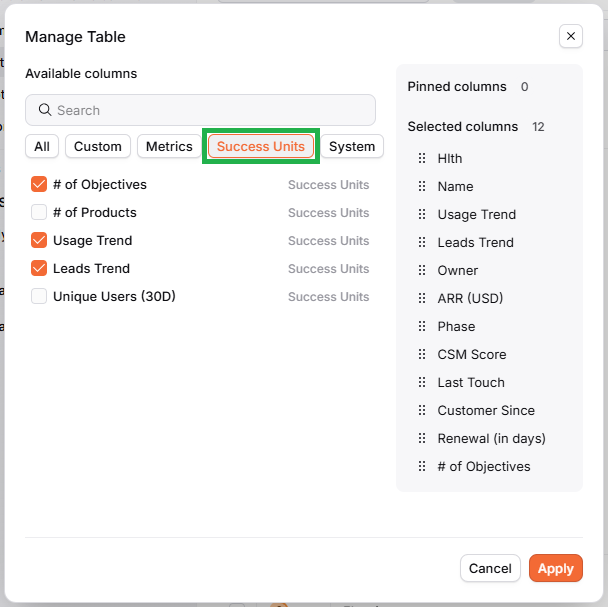
In Data Explorer or a Page e.g. Data Table, like regular fields. There's a tab for Success Units in the "Manage Table" modal to easily identify them when you're configuring your columns
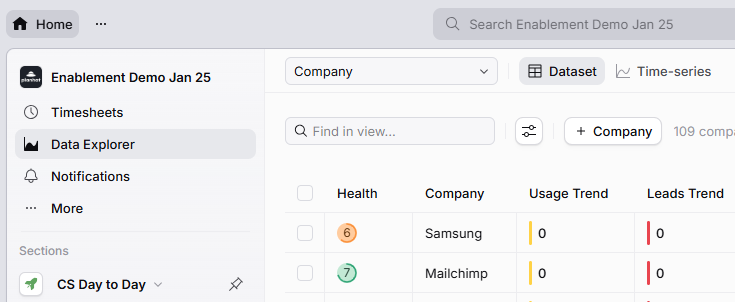
Click the image to view it enlarged