How to Send an Email
There are a few ways to send an email in a non-automated way. You can choose your method based on what you’re trying to accomplish.
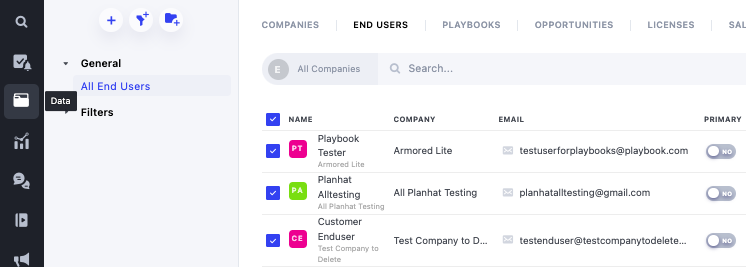
One way is to go to the list of people and select the person or persons who you would like to send an email. This way is preferable if you’d like to send the same email to many different people at once.
To do this,
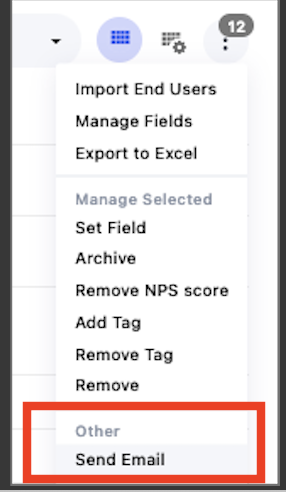
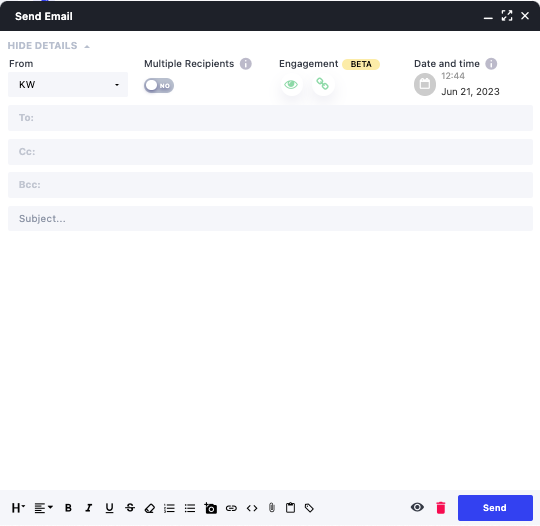
5. A pop-up window will appear and you can select an email template or write out the email
If you’d like to send out a mass email with a personal touch, you can use the merge tags available in Planhat!
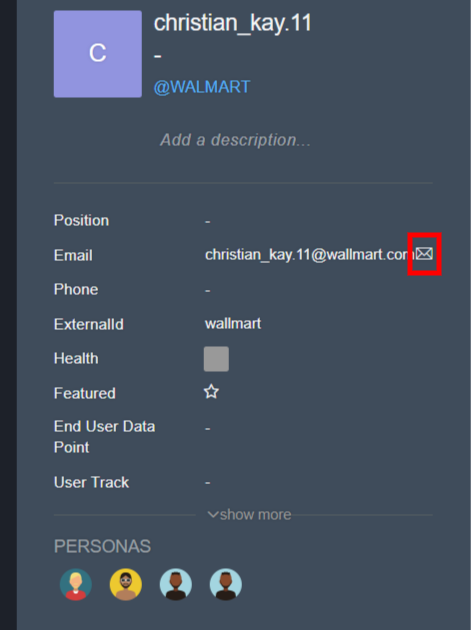
Another way is to search for the contact or go to the contact profile and press on the envelope next to the email.
The last way to send an email is directly from a Planned Activity.
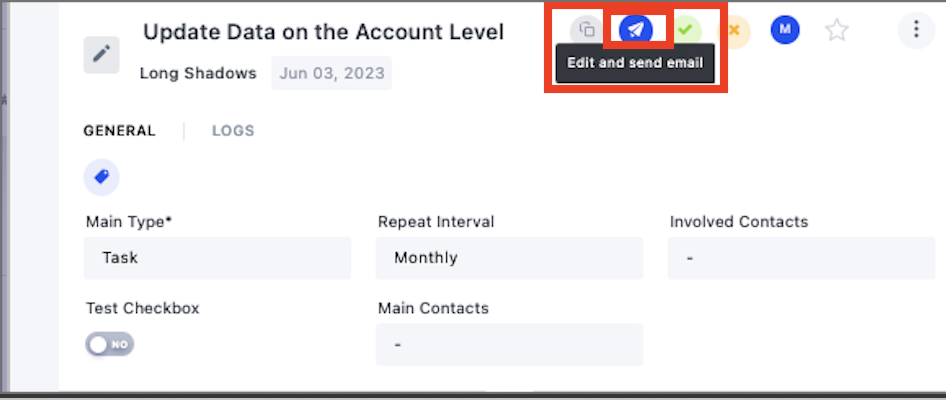
3. A pop will appear for you to write out the email or select a template to send.